I used the Screen Time App Usage and Google Chrome’s Recent Activity to find out which are the most frequently used apps for my work as a Localization Project Manager. Here are my results.
1. HTML and text editors
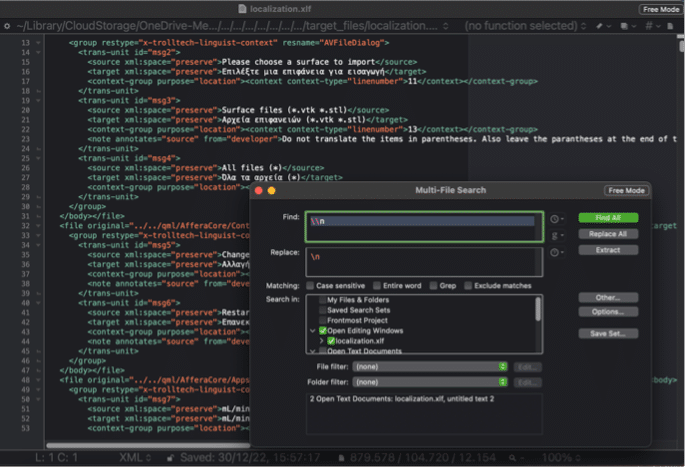
BBEdit 14 is a powerful HTML and text editor, just like the Windows version Notepad++. As a localization project manager, I cannot conceive my day without the help of this app. From source code inspection, counting words, data clean up, to note taking and writing, BBEdit is like a safe and fast space to work whatever way you want.
2. Virtual machines
For those LPMs who invested in a Mac computer and are reluctant to go back to Windows, virtual machines are your best solution. Not only because you can still use macOS shortcuts when using the virtual machine, but because switching from one operating system to another is quite natural. It feels just like simply switching desktops. I can recommend working with Virtual Box and VM Horizon Client for MacOS. Note that you will still need to have a license to be able to install Windows on your virtual machine.
3. Screen sharing
In case you do not have an additional Windows license, but still have your PC, I recommend using Synergy. I purchased Synergy because while traveling I needed to have two screens to work comfortably. I still use it very often when my clients require me to use Windows apps only.
Synergy also lets you choose a master keyboard and mouse, so there is no need for you to switch between accessories. I really appreciated that you can additionally customize the app and keep using macOS shortcuts on the PC. It makes the user experience feel more intuitive.
Note that Synergy is a paid tool. I paid $29 for a lifetime license in 2022.
4. Time tracker
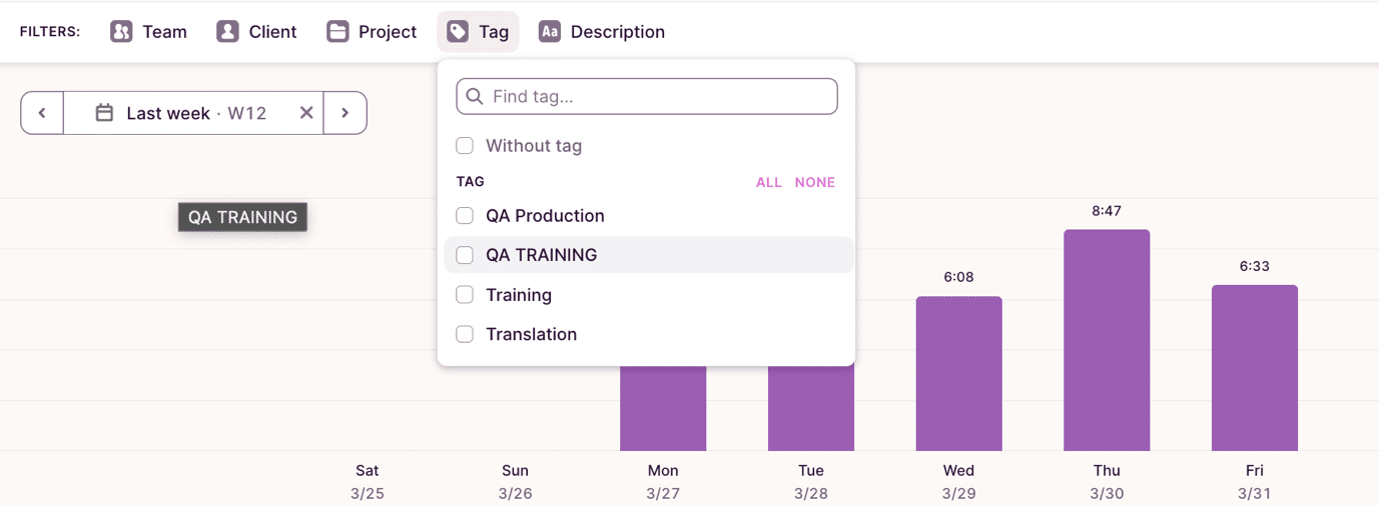
As a freelance localization project manager, I charge by the hour. As such, you can imagine that Toggl track is the first tab on my browser that I open at the start of my working day. It not only lets me track my time, but I can also generate detailed reports on a client, project or task basis.
I usually manage with one single workspace by creating different filters to account for different clients. However, you also have the option to upgrade to have more than one working space.
5. CAT Tools
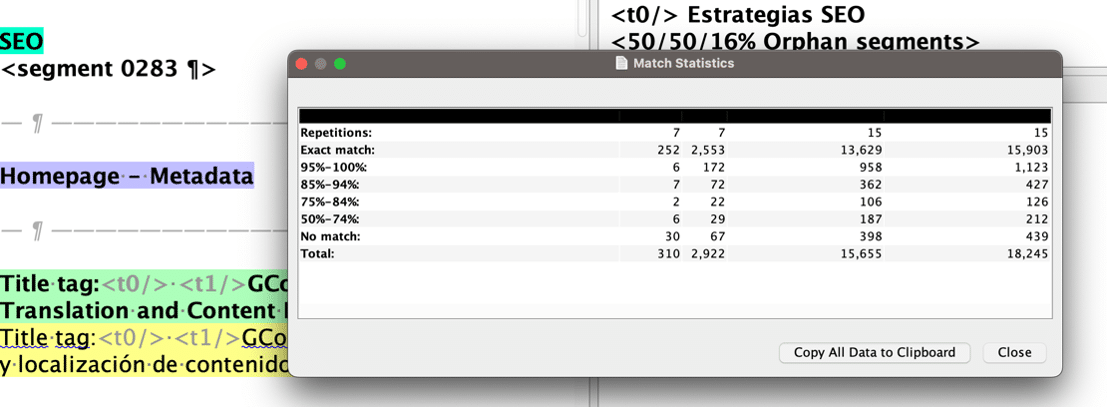
I am used to many commercial and proprietary CAT tools, but when it comes to quick quoting or checking for translation readiness of a source file for a new, potential client, I have a default English to Spanish project in OmegaT set up only for this purpose. This is an open-source tool, compatible with macOS, and it takes me less than three minutes to load a file for translation to get statistics.
There might be more preproduction work involved with certain clients depending on their input, but this scenario again only suits with potential, new clients.